
2D vs 3D machine control: Which system do you actually need?
Most contractors don't choose between 2D and 3D — they run both. The real decision is which system pays off for which work, and how to manage a mixed fleet without drowning in portals.
Request a demo
Here's something the spec sheets don't tell you: 2D laser is actually more accurate than 3D GPS — what 3D wins on is knowing the whole project. Where each system pays off, what the payback looks like in real numbers, and how to run both on one site without juggling six manufacturer portals.
Walk onto any active infrastructure site and you'll see the same scene. An excavator running 2D guidance for utility trenches. A dozer next to it running full 3D for subgrade work. Two operators, two systems, working ten meters apart.
Most contractors don't choose between 2D and 3D — they run both. The real question is which system pays off for which work, and how do you manage both without losing your survey team to portal management.
Trond Ivar Nordal, Surveying Manager at NCC, put it well: "Sometimes, a good old-fashioned bird's-eye view in 2D provides more insight than the most advanced 3D model." At the same time, contractors moving to 3D rarely look back. On Destia's National Road 4 project in Finland, model-based machine control helped the team complete the highway eight months ahead of schedule and within budget.
This article covers what most 2D vs 3D articles skip: honest tradeoffs, real project examples, and the operational reality of mixed fleets across Trimble, Topcon, Leica, Novatron, and Makin.
Quick answer: which do you need?
Choose 2D machine control if your work is mostly single-reference: utility trenches, building foundations, parking lots with uniform drainage slope, road maintenance, ditches, or indoor work where GPS struggles. Laser-based 2D delivers ±2-5mm accuracy—tighter than 3D GNSS—at a fraction of the cost.
Choose 3D machine control if your work involves variable surfaces: large highway earthworks, complex intersections, building pad subgrade, finish grade on asphalt or concrete, tunnels, or sites with frequent design changes. Also non-negotiable when bid specs require GPS-equipped machines.
Plan for both. Most infrastructure projects run a mix — 2D excavators alongside 3D dozers, different subcontractors bringing different brands. The decision that matters more than 2D vs 3D is whether your management platform handles both without forcing your surveyors to manage six different manufacturer portals. If you're a smaller contractor starting from scratch, equip one 3D excavator first — it touches the most varied work — and pick a system with hardware-shared upgrade paths so you can start with 2D and add GNSS antennas when a project demands it.
What is 2D machine control?
2D machine control guides operators against a single reference—typically depth, slope, or both. The system controls vertical position and cross-slope. It does not load a full 3D design surface.
Think of it as a precise depth gauge with cross-slope awareness. The excavator knows how deep the bucket is relative to a known benchmark. The dozer knows the blade's cross-slope angle. Neither knows what the design surface looks like 50 meters away.
That sounds like a limitation. For most simple work, it isn't. A utility trench at consistent depth doesn't need a 3D terrain model. A parking lot with a uniform 2% drainage slope doesn't need GNSS positioning. The work has a single reference—match it, and you're done.
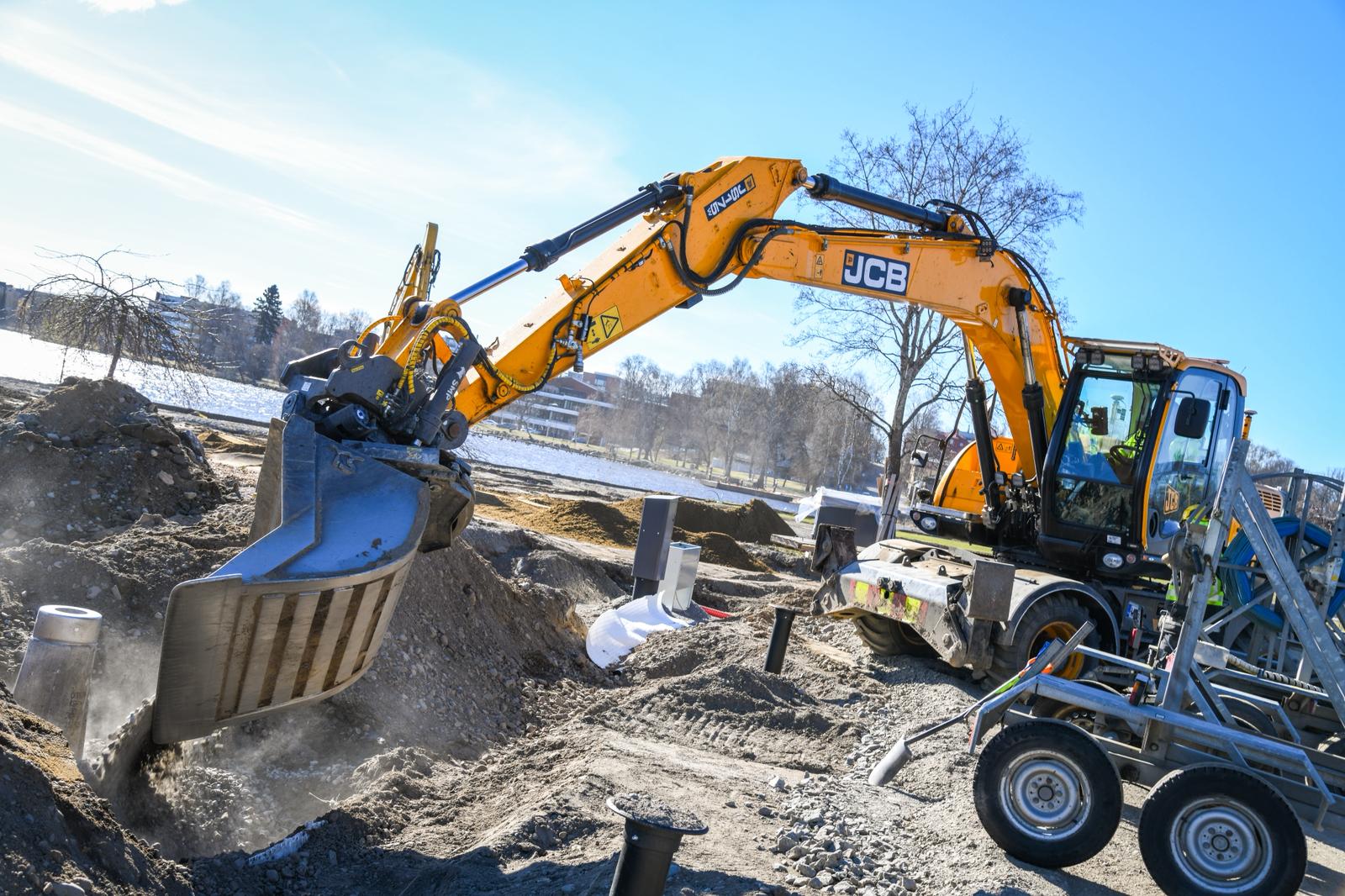
The hardware reflects that simplicity: a laser transmitter on a tripod, a receiver on the boom or blade, and a tilt sensor for slope. Lower upfront cost, faster setup, easier maintenance.
Types of 2D machine control systems
Four main categories, each suited to different work:
Laser-guided 2D: A rotating laser creates a reference plane; receivers on the machine pick it up. Most common setup for excavators, graders, and dozers doing fine grading. Delivers ±2-5mm vertical accuracy within laser range (300-500m). Limited to one elevation reference and line-of-sight work.
Ultrasonic 2D: Sensors measure distance to a reference object—typically a curb or stringline. Common on motor graders and asphalt pavers following an existing edge.
Slope sensor 2D: Inclinometers measure boom or blade angle directly. Used heavily on dozers shaping consistent slopes and graders working long stretches at uniform cross-fall. Fast setup, no external reference needed—but doesn't track elevation on its own.
GNSS-based 2D: A single GNSS receiver controls one or two parameters (depth and slope). Works anywhere with sky visibility and no line-of-sight required, but vertical accuracy (±15-25mm with RTK) is less precise than laser for fine work.
What is 3D machine control?
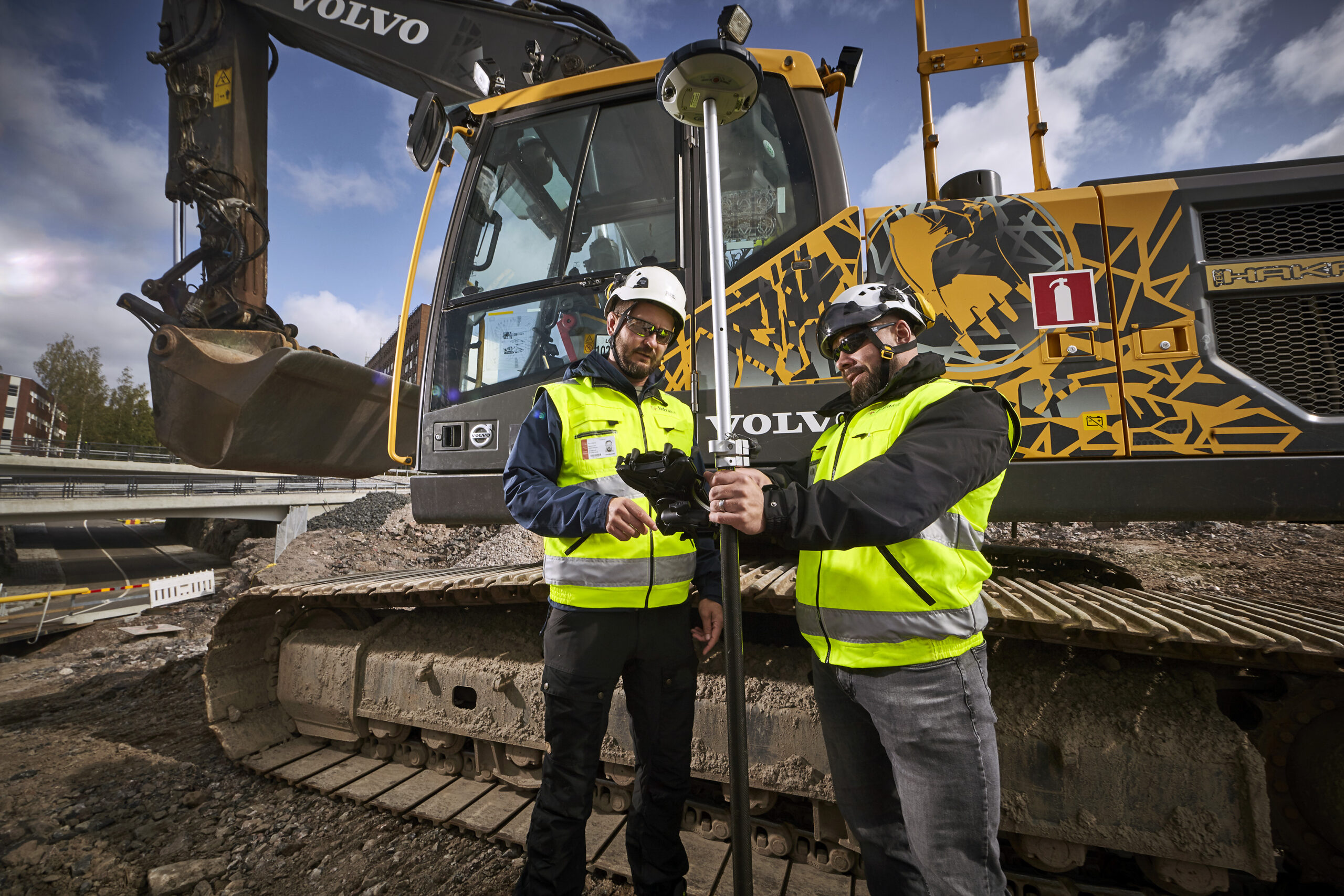
3D machine control guides operators against a full digital terrain model loaded into the system. Dual GNSS receivers (or GNSS combined with an IMU) position the machine in three dimensions across the entire project area.
The key difference: the machine can work anywhere on site and still know exactly where it is relative to the design. No defined corridor. No cross-sections to follow. Variable super-elevation, curve transitions, complex intersections—all handled automatically by the model.
On automated systems, hydraulics adjust the blade or bucket to match the design. On indicate-only systems, the operator sees real-time elevation offsets and brings the machine on grade manually.
For deeper detail on specific equipment, see our guides on excavator grade control and GPS grading systems for road construction.
2D vs 3D: side-by-side
| Factor | 2D Machine Control | 3D Machine Control |
|---|---|---|
| Reference | Single plane or slope | Full 3D design surface |
| Positioning | Laser, sonic, slope sensor, or single GNSS | Dual GNSS + IMU |
| Vertical accuracy | ±2-5mm (laser) / ±15-25mm (GNSS) | ±15-25mm (RTK GNSS) |
| Working area | Within laser range (~300-500m) | Unrestricted across project |
| Best for | Trenches, flat pads, consistent slopes | Variable surfaces, complex geometry |
| Upfront cost | Lower (~€10-20k) | 2-3x higher (~€40-80k) |
| Operator learning | ~30 minutes | Days |
| When design changes mid-project | Re-set reference manually on each machine | One model upload, fleet-wide |
| As-built data | Limited or manual | Continuous, automatic |
Here's something the spec sheets don't tell you: 2D laser is more accurate than 3D GPS when you measure pure vertical precision. 2D wins on accuracy.
What 3D wins on is knowing the whole project. With 2D, the system only knows one reference point at a time—so the moment the design changes (a curve, a different slope, a new section), the operator has to figure out the new values themselves.
With 3D, the full design is already loaded in the cab. The machine always knows what should be where, no matter where the operator drives it.
One platform for 2D and 3D — every brand, every machine
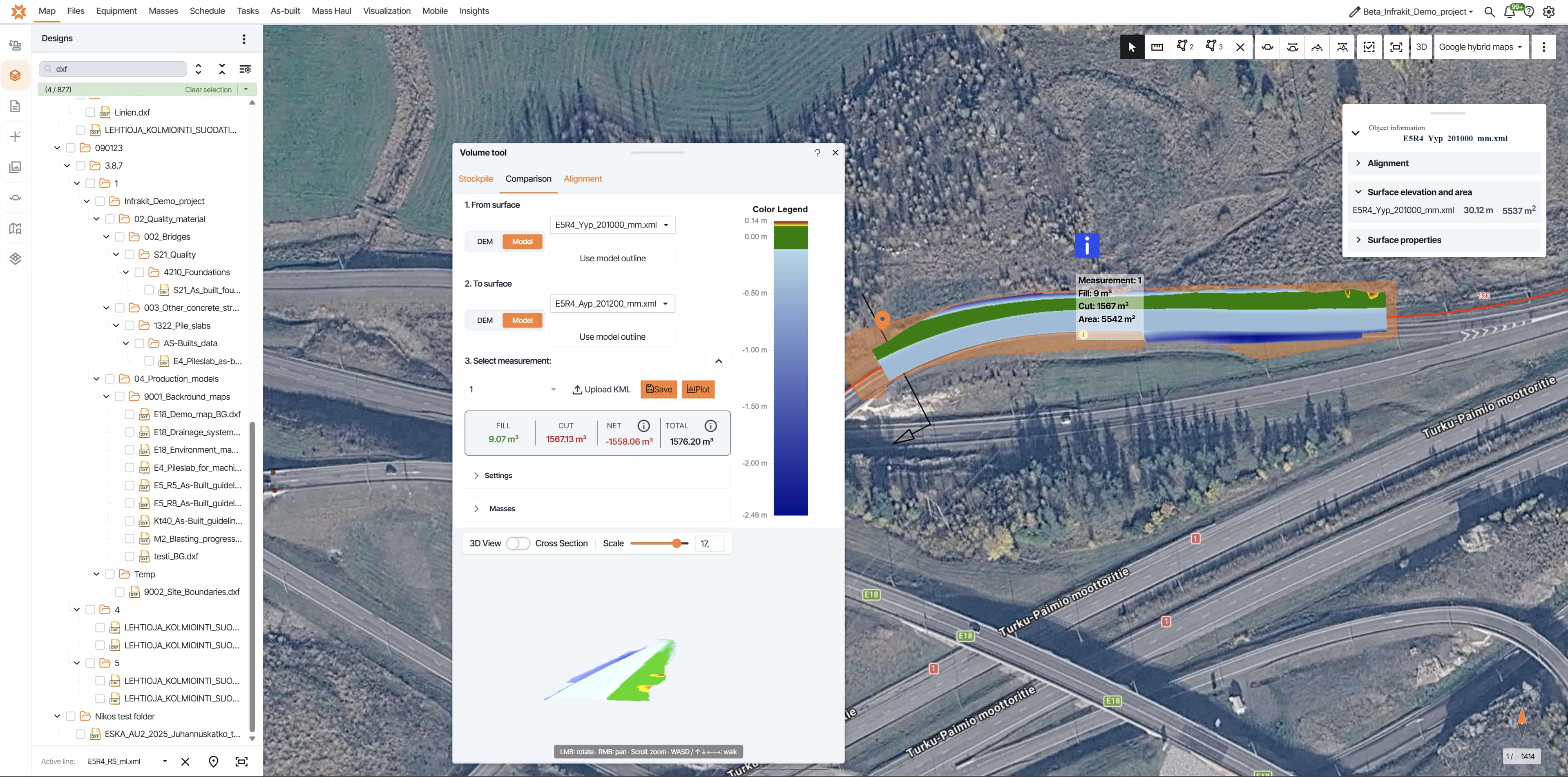
One upload distributes to every machine regardless of brand or guidance mode. As-built data lands on the same project map, standardized to common coordinates.
Choosing the right system for the job
Single-reference work. The design has one elevation or one slope. A 2D laser setup delivers ±2-5 mm — better than 3D — at a quarter of the cost. Operators learn it in 30 minutes. Stay with 2D. Adding 3D here is paying for capability you won't use.
Geometry changes constantly. Cross-slope shifts every 20 meters in a curve transition. Multiple design surfaces intersect at a roundabout. Building pads need exact subgrade depth without over-excavating. 2D can be made to work here, but the operator spends half their time interpolating and the other half waiting for surveyor checks. 3D pays for itself in eliminated rework. Pretty much always.
This is most infrastructure projects. Dozers running 3D, excavators on 2D. Subs bringing different brands. The technology question answers itself for each machine. The harder problem is what comes next — getting models to every machine, getting as-built data back, tracking which version is on which cab. We cover that below.
What contractors actually save (with numbers)
A 3D system typically costs 2-3x more than a comparable 2D setup. For a single machine, that's a meaningful upfront difference — and it's why the payback math matters. The payback doesn't come from one big saving. It comes from four smaller ones that compound.
Material that doesn't move twice. Without grade control, operators dig past design depth as insurance — better too deep than too shallow, because adding material back costs more than removing extra. On a 12 km highway subgrade, even 3-5 cm of average over-excavation translates to thousands of cubic meters of material that didn't need to move. At typical infrastructure rates for excavation, haulage, and disposal, the numbers compound fast. 3D cuts that insurance margin to near zero.
Cycle time per phase. Jussi Laamanen, Quality Manager on YIT's E18 Hamina-Vaalimaa highway (32 km, 22 machine-controlled vehicles): "If one phase used to take two hours, now it takes 30-45 minutes."
A 60-75% reduction per phase, repeated across every section of the project. E18 finished ahead of schedule and within budget.
Rework that doesn't happen. A section excavated 8 cm too deep needs backfill, compaction, and re-verification. That's not just material — it's schedule. 3D catches the deviation while the bucket is still in the ground, not the next morning when a surveyor walks the alignment. On Destia's National Road 4 in Finland, this kind of real-time control helped the team finish the highway eight months ahead of schedule, within budget.
Surveyor time recovered. The largest return that doesn't show up on an invoice. When machines work autonomously, surveyors stop checking cuts and re-staking. The same team does design verification, as-built documentation, and quality coordination instead.
On AF Anlegg's E39 motorway (NOK 4.7 billion), consolidating to one platform recovered 15-20 hours per week per surveyor — time redirected to surveying, not portal management.
For contractors with regular infrastructure work — projects moving 50,000+ cubic meters of earth — a single 3D system typically pays back inside one project through reduced over-excavation alone.
For smaller contractors, the math works differently. A single 3D-equipped excavator handling building pad subgrade and parking lot finish typically pays back in 6-12 months on regular flow.
Modern systems with hardware-shared upgrade paths drop the risk further — start with 2D, add GNSS antennas when a project calls for 3D, no replacement needed.
The honest version: 3D doesn't always pay back.
- >If your work is consistently single-reference — utility installation, residential foundations, small parking lots, routine road maintenance — 2D delivers professional results at a fraction of the cost.
- >If most of your work is indoors or under cover, 3D GPS struggles where 2D laser or total stations work reliably.
- >If you're a sub working consistent portions of larger contracts where the general contractor's 3D setup covers your guidance needs, your own 3D investment becomes redundant rather than additive.
3D pays back when geometry is variable, when bid specs require it, or when corrective rework is eating margin. It doesn't pay back when the work is simple and stays that way.
The mixed-fleet problem (and how to solve it)
Everything up to this point has been about choosing the right system. This section is about what happens after you've chosen — when 2D and 3D are both running on the same project, across different machines, phases, and subcontractors. That's where the real operational challenge emerges.
Your dozers run 3D. Your excavators run 2D. The earthworks sub brings Leica. The civil sub uses Topcon. You rent a Novatron machine for a specific phase. Now you're managing design data across
multiple manufacturers, multiple file formats, and two guidance modes simultaneously.Design revision 2.4 goes to one system as a 3D model update, to another as a 2D profile update.
Tracking which machine runs which version becomes genuinely complex.This shows up consistently across project types and countries.
Mixed fleet across multiple subcontractors and equipment suppliers — all managed from a single dashboard without forcing every supplier onto the same hardware.
Read more about AF Anlegg's E39 project →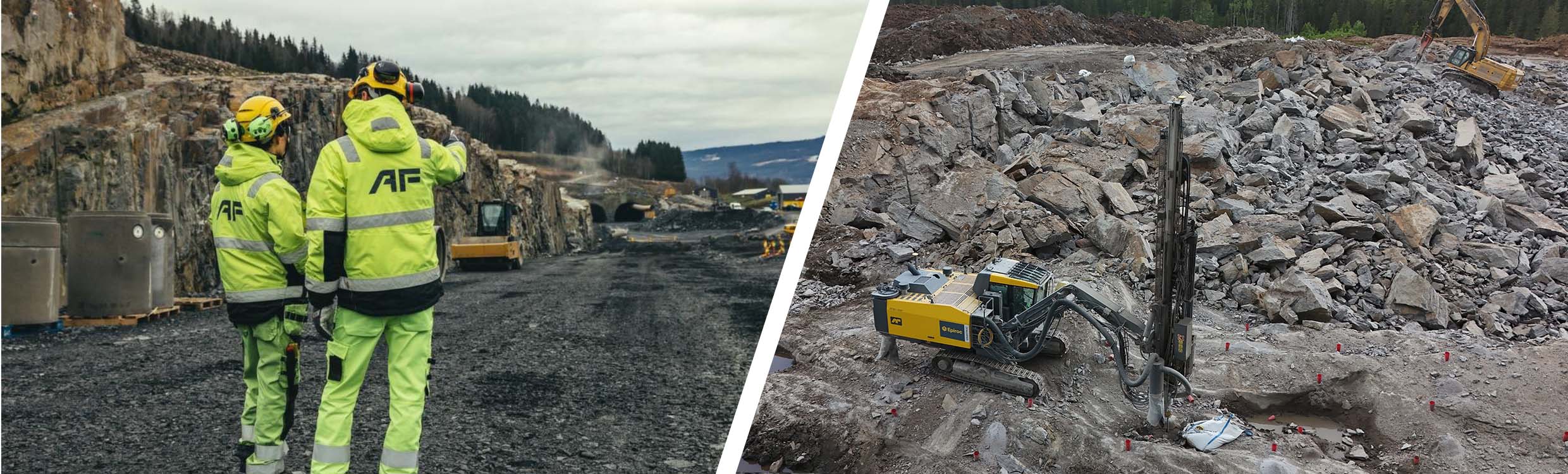
Completed eight months ahead of schedule and within budget, using a service that gave every party on-site continuous access to the same model and survey data.
"Things are easier when using a service that provides everyone with continuous access to the same information. Working has changed and is markedly different from what it was before."
Markku Palkama Survey Chief · DestiaModel-based machine control, structured documentation, and data-driven coordination have become the recognizable standard whenever a project runs on Infrakit.
"When people hear Infrakit is being used on a project, they know: here we work model-based, with machine control, structured documentation and data-driven coordination."
Dávid Kathy BIM Manager · ColasAnd it doesn't only show up on billion-euro projects. A 4-machine regional road project running Trimble dozers, Topcon excavators, and a Leica rental hits the same friction. So does a building pad contractor running a Unicontrol 2D and a Trimble 3D. The number of portals scales with the number of brands, not the size of the project.
The fix isn't picking 2D or 3D — it's removing the friction between them. A management layer that handles both means your survey team spends time surveying, not managing portals.
In practice:
- >One upload distributes to every machine regardless of brand or guidance mode — Trimble, Topcon, Leica, Novatron, Makin
- >As-built data from 3D surface systems and 2D alignment systems lands on the same project map, standardized to common coordinates
- >One dashboard shows every machine's current model version and calibration status across the entire fleet
Design revision comes in. One upload. Every machine updated. Done.
That's what Infrakit does. 2,000+ projects, 11 countries, $30+ billion in infrastructure built — with documented 20% savings in total project costs.
Running mixed equipment?
Request a demo and we'll walk through your specific setup — 2D and 3D, every brand, one platform.
Frequently asked questions | What's the main difference between 2D and 3D machine control? Is 2D accurate enough for professional work? Can you use 2D and 3D on the same project? How long does 3D machine control take to pay back? How often do I need to calibrate a 3D machine control system? Can I upgrade from 2D to 3D later? What happens when design models update on a mixed 2D/3D fleet? |